 ▶
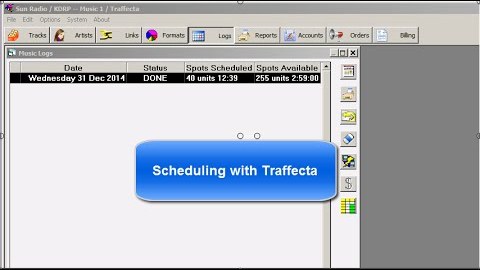
TrafficONE Scheduling
▶
TrafficONE Scheduling
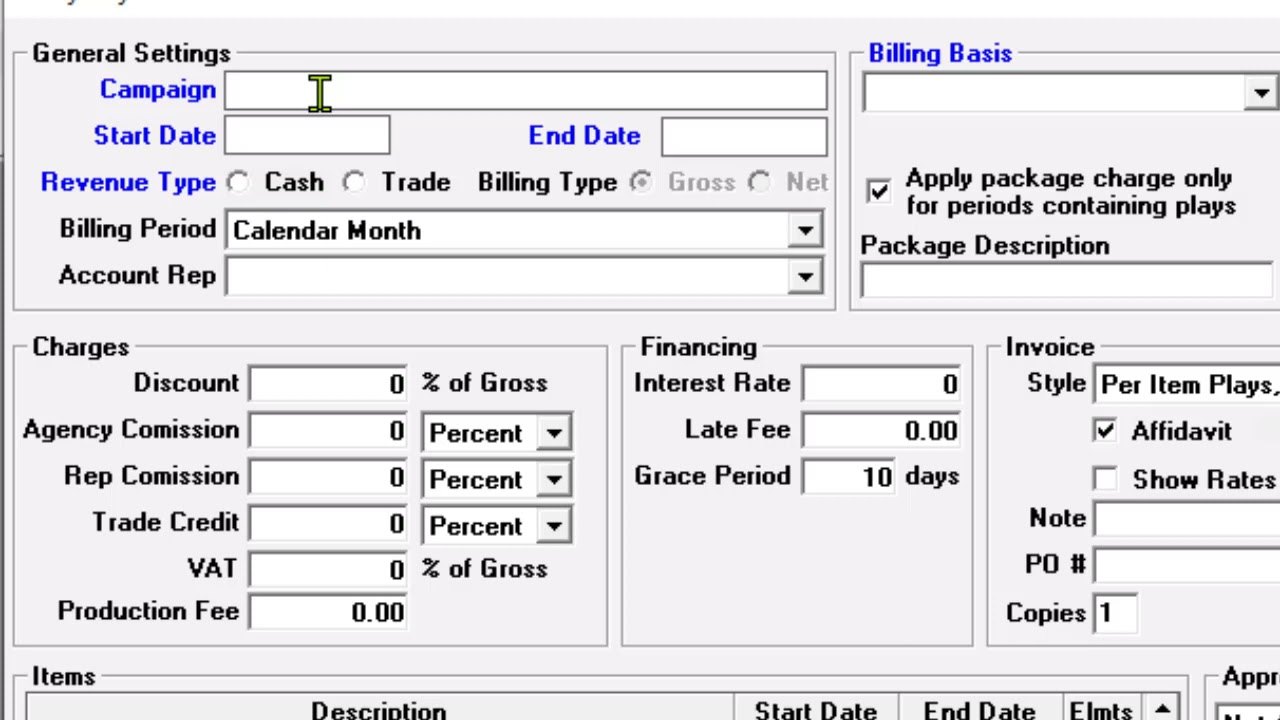 ▶
Account Order Entry (basic)
▶
Account Order Entry (basic)
 ▶
Entering An Order
▶
Entering An Order
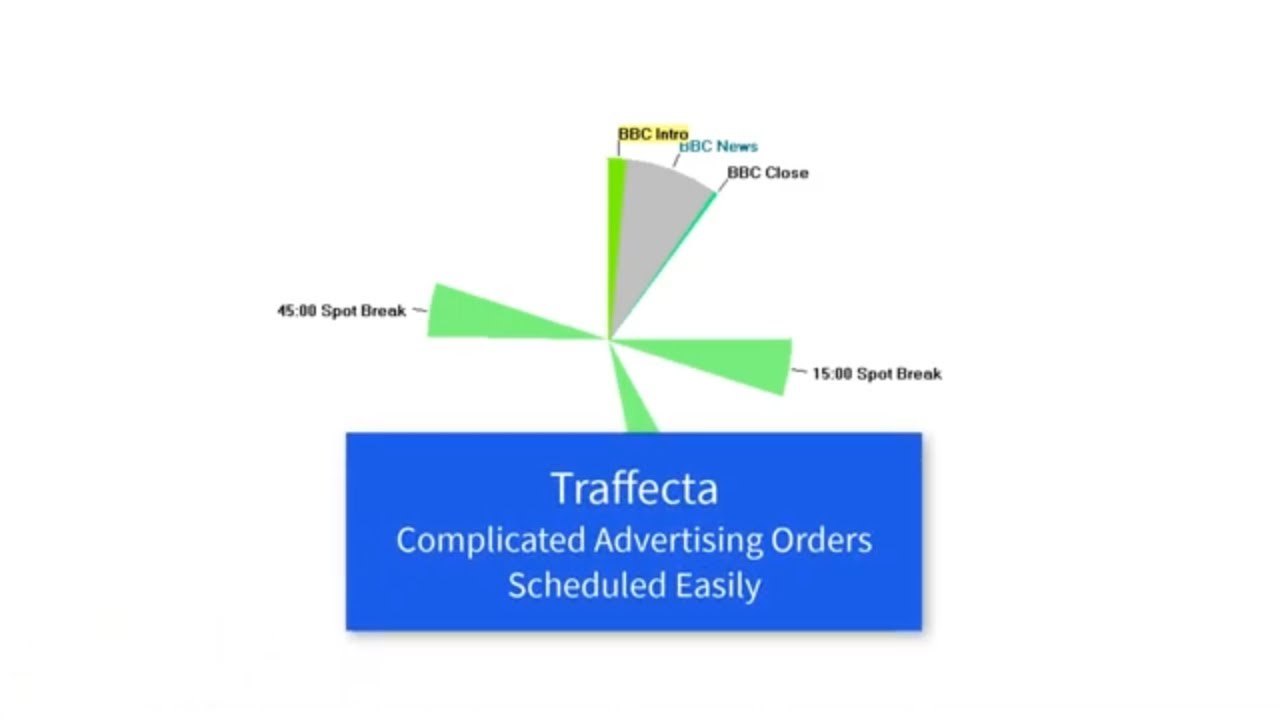 ▶
Entering A Complicated Order
▶
Entering A Complicated Order
 ▶
Add Spot Break to Format Clock
▶
Add Spot Break to Format Clock
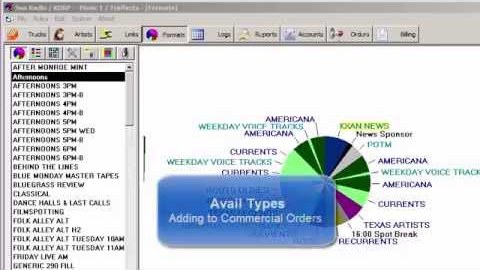 ▶
Avail Types
▶
Avail Types
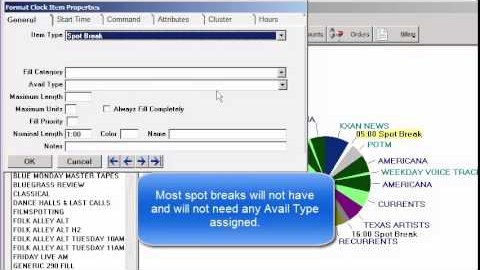 ▶
Avail Types on Format Clocks
▶
Avail Types on Format Clocks
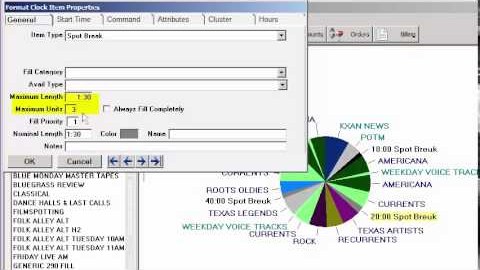 ▶
Spot Break Fill Priority
▶
Spot Break Fill Priority
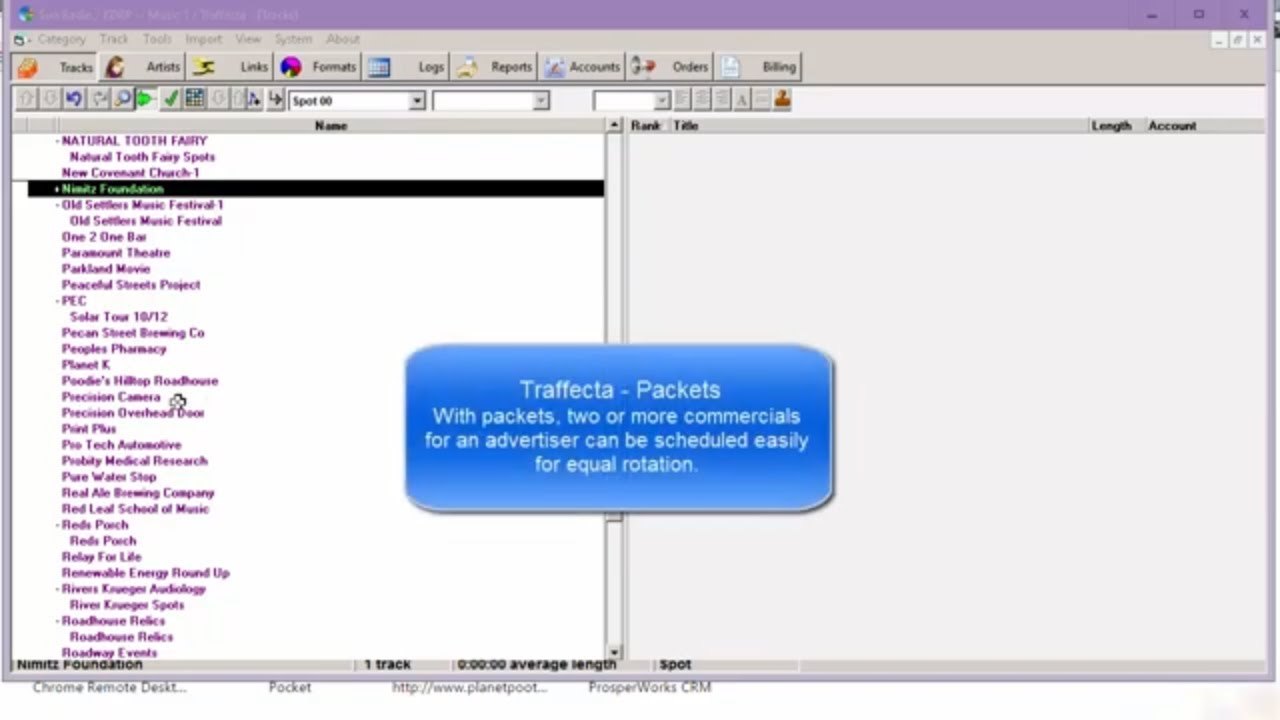 ▶
Packets
▶
Packets
 ▶
Rotation Packets in TrafficONE
▶
Rotation Packets in TrafficONE
 ▶
Formatting A Sponsorship – After the News
▶
Formatting A Sponsorship – After the News
 ▶
Adding Your Logo to a TrafficONE Invoice
▶
Adding Your Logo to a TrafficONE Invoice
 ▶
How to use product separation in TrafficONE
▶
How to use product separation in TrafficONE